Two apps, two jobs
Merlin Bird ID answers the question “what bird is this?”. It suggests names from a few answers about what you saw, from a photo or from a recording. eBird answers “what did I see today?”: it is a checklist app that keeps your sightings and sends them to the eBird database, which researchers and other birders use. Both are made by the Cornell Lab of Ornithology and cost nothing; the Merlin FAQ notes that it never asks for a credit card.
Merlin: get it ready at home
Merlin divides the world’s birds into regions that you download to your phone. According to the Help Center article on offline birds, you open Merlin, go to Settings and tap My offline birds to add a region. Once it is on your phone, you can browse photos, sounds and ID text without cell service or Wi-Fi. Download the region that covers Costa Rica before you leave home, over a good connection.
One more step makes offline use reliable. The Merlin FAQ explains that the app’s list of likely birds depends on a location and a date, and that it saves your six most recent locations. Run one test identification for Tamarindo while you still have a signal, and you can choose that saved location later when you are offline.
Three ways Merlin identifies a bird
- Step-by-step ID: you answer three questions about size, colors and behavior, and Merlin shows the most likely birds for that place and date. If your bird does not appear, the FAQ suggests moving the size one or two notches and choosing only colors you are sure of.
- Photo ID: take or import a photo and Merlin suggests a name. The photo does not need to be good: a picture taken through binoculars or of the back of a camera screen can work.
- Sound ID: hold your phone up, tap record, and Merlin shows suggestions in real time next to a spectrogram of the sound.
The likely-bird lists come from real sightings: the Merlin FAQ says the likelihood of each species is based on observations submitted to eBird for that location and date. That is why the two apps work so well together.
Sound ID: useful, with limits in the tropics
The Sound ID article says it now covers more than 2,000 species. Coverage is strongest in the United States, Canada and Europe, and it also includes common, widespread birds of Central and South America. In practice that means Sound ID can help with many familiar sounds in Guanacaste but will not know every Costa Rican bird. It works without cell service, but keep location services on.
Cornell’s tips for better results: approach slowly without disturbing the bird, stay still while recording, and keep recordings under ten minutes. Most important, treat every suggestion as a hint. In Cornell’s words, Merlin relies on you to confirm what you are seeing or hearing. Compare the suggested bird with what is in front of you, and with what your guide tells you.
eBird: turn your sightings into a checklist
The eBird app keeps a list as you go. Its App Store description lists full offline use, checklists suited to your location and time of year, map tools to choose from eBird hotspots, trip and day lists, and a «record as you go» mode for counting birds while you watch. To begin, create a Cornell Lab account; the Help Center has a getting started guide.
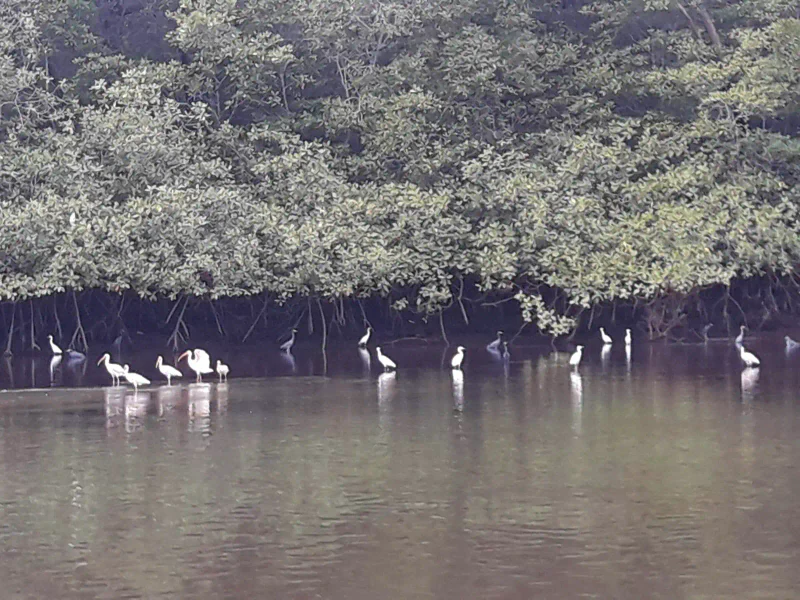
In Tamarindo, choose the hotspot Tamarindo, Guanacaste, Costa Rica (L442998), at the mouth of the estuary. Your sightings then join the same data behind our Tamarindo bird checklist, which lists 292 species reported there over the years.
What a complete checklist means
eBird asks one key question when you submit: did you report every species you identified? A complete checklist is one where birding was your main purpose and you included every species you could identify by sight or sound. A list of highlights is not complete. You do not have to name every bird: it is fine to leave out the ones you could not identify. Use one checklist per date and per place.
Why it matters: a complete list also tells scientists what was not there, and that is what makes the frequency charts on eBird possible. Those charts are where our pages get words like common, frequent, occasional and rare.
A short routine for a birding trip
- At home: install Merlin and eBird, sign in with your Cornell Lab account and download the region that covers Costa Rica in Merlin.
- Before going out: run one Merlin test for Tamarindo while you have a signal.
- In the field: start an eBird checklist at the hotspot, and use Merlin only when you need a name.
- Afterwards: review your list, remove anything you are not sure of, and submit it.
New to birding? Read our birding for beginners guide first.
Try them on the water
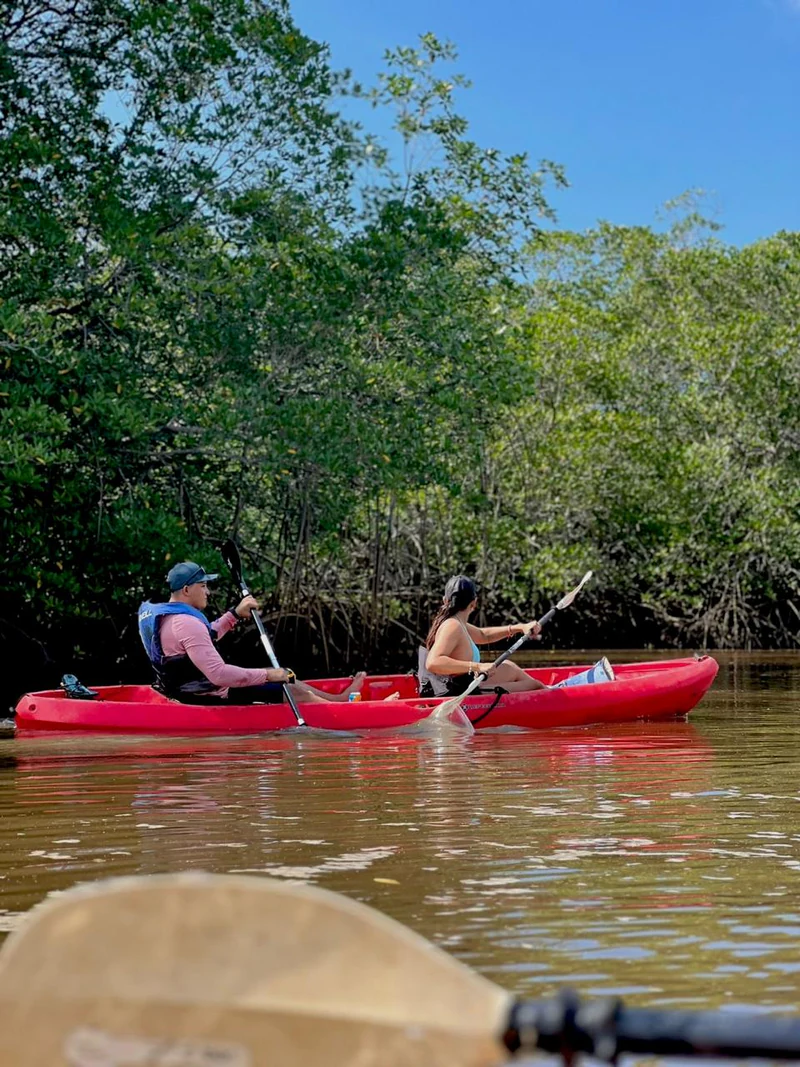
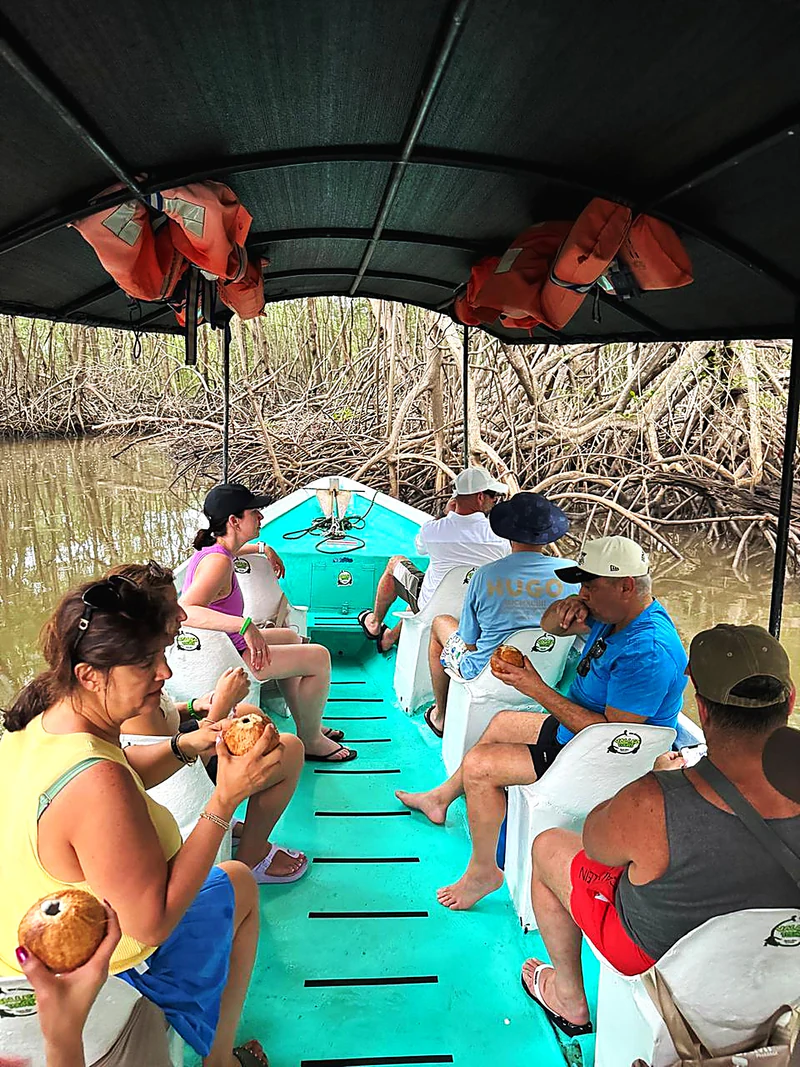
Apps are good, but nothing beats a guide who sees the bird before you do. On our bird watching tour in Tamarindo, your bilingual guide helps you find and name the birds, and you can log them in eBird as you go. Choose the wildlife boat tour in the Tamarindo estuary or the double kayak tour, and tell us when you book that you want to watch birds. What you see depends on the tide, the season and the birds.
Sources
- eBird Help Center: Merlin Bird ID FAQs
- eBird Help Center: Merlin offline birds (bird packs)
- eBird Help Center: Merlin Sound ID
- eBird Help Center: Get started with eBird
- eBird Help Center: Complete checklists and birding as your primary purpose
- App Store: eBird by Cornell Lab
- eBird: Tamarindo hotspot (L442998)
Reviewed: November 19, 2026 · Valled Tours